
Getting around Taipei: MRT, buses, walking, and taxis
Taipei is one of Asia’s easiest cities to navigate. Here’s how to combine MRT + walking (and when buses or taxis actually help).
Read more →
A practical overview of staying connected in Taipei: what to do at the airport, how to keep maps working, and what to pack for backup.
A practical overview of staying connected in Taipei: what to do at the airport, how to keep maps working, and what to pack for backup.
Updated June 20, 2026
 Quick facts資訊Getting thereBest time / forGood to knowBest forCore needBest defaultBackup
 Highlights亮點
In Taipei, connectivity is mostly about convenience: maps, transit routing, and quick translation when ordering or reading signs. If those three work, the rest is optional.
For a smoother trip, plan for battery life as much as data—humid weather and constant photos can drain phones quickly.
The best option is the one that you can activate quickly and trust all day. For many travelers, an eSIM is the smoothest (no tiny plastic card, no swapping). A physical prepaid SIM is equally solid if your phone is unlocked. Pocket Wi‑Fi is useful for groups, but it’s one more device to charge and carry.
If you’re only in Taipei for a single day and you’ll stay close to transit and your hotel, you can survive on café/hotel Wi‑Fi—but it’s rarely worth the friction.
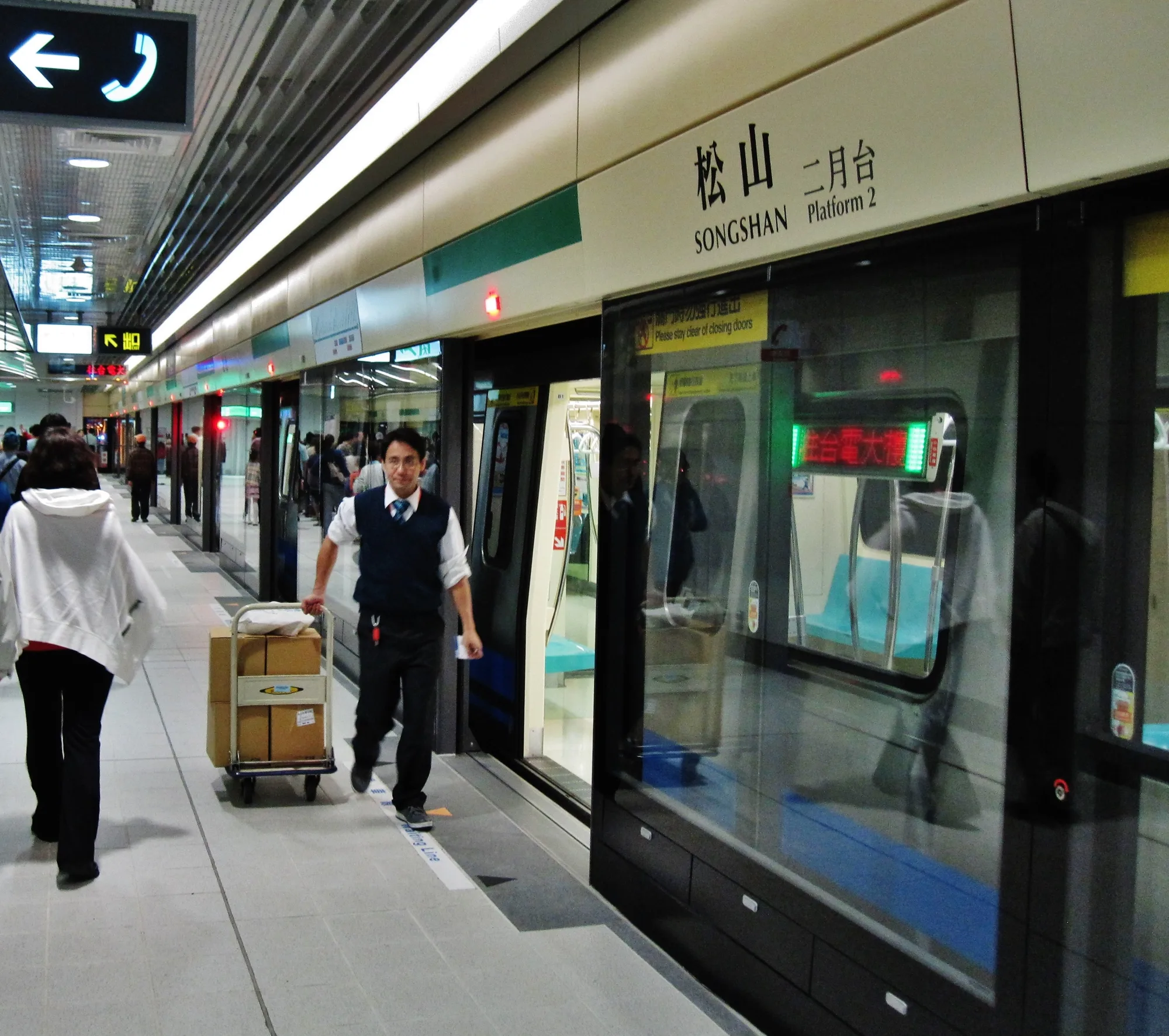
Whatever you choose, don’t wait until you’re on the train platform to test it. Do the setup while you’re still in a calm, well-lit area so small issues don’t snowball into stress.
The real Taipei connectivity challenge isn’t coverage—it’s battery. Navigation, photos, and humid weather can chew through power. If your phone dies, your internet plan doesn’t matter.
A small power bank is the single best travel-tech upgrade for Taipei.

Hotel Wi‑Fi is usually fine, and many cafés offer Wi‑Fi as well. Taipei also runs a free public network, iTaiwan, available in many public spaces—but treat any public network as convenience, not as a secure place for sensitive logins.
If you need to do something high-stakes (banking, work logins), use your own mobile data or a trusted connection. Public Wi‑Fi is best for quick, low-stakes tasks like checking a map or a transit time.
Most travelers sort connectivity at the airport, where SIM and eSIM options are easy to find in the arrivals area, or buy an eSIM online before they fly so it’s ready the moment they land. Buying in advance is the lowest-friction path: you arrive already connected, with no counter queue and no fumbling for a paperclip to swap a card. If you prefer a physical SIM, make sure your phone is unlocked before your trip and bring an ejector pin.
Whatever you choose, activate and test it while you’re still in a calm, well-lit place—ideally before you leave the airport area—so any hiccup is easy to fix on the spot. If you buy at a counter and something doesn’t work, return immediately rather than walking away; staff can usually sort it in minutes, whereas troubleshooting later from a train platform is far more stressful.
Plan sizing is simple in practice: maps, messaging, and translation use modest data, while video streaming and large uploads use a lot. Most short-trip visitors do fine with a small-to-moderate data allowance, but exact plan sizes, prices, and validity windows change frequently, so compare current offers from the official carriers rather than relying on an old recommendation.
Quick answers to common planning questions.
Official pages and references for planning details.
Hand-picked next reads to make your Taipei plan smoother.
Taipei is one of Asia’s easiest cities to navigate. Here’s how to combine MRT + walking (and when buses or taxis actually help).
Read more →
A balanced weekend itinerary: one day for iconic Taipei + one day for museums/heritage and either tea hills or hot springs.
Read more →Start with a simple loop: one neighborhood stroll, one iconic sight, and one night market. Taipei rewards balance.
Tip: hours, prices, and seasonal schedules can change. When something matters (like a museum ticket or a special exhibition), check the official listing before you go.